WordPress 7.1 "Mary Lou" arrives on August 19, 2026, with responsive block styles, better Notes, browser-based media tools, and a toolbar that stays visible in the editors. Plugin and theme developers also receive new APIs, along with an editor change that may require compatibility work.
The release is named for jazz pianist, arranger, and composer Mary Lou Williams, whose career ran from swing through bebop to sacred jazz. Anne McCarthy led the release, with Aki Hamano and Joe Dolson as technical leads.
WordPress counts more than 1,500 changes and fixes in 7.1, from over 800 contributors, including more than 170 people contributing for the first time. More than 20 locales have the release fully translated. Its main changes include:
- Responsive styles and interactive states for blocks
- New Playlist and Tabs blocks
- Inline Notes with rich text, mentions, and email notifications
- Image processing in the browser before an upload
- A persistent toolbar across supported editor screens
- New APIs for SVG icons and WordPress Abilities
- An iframe-based post editor for all sites
Responsive Styles Without Custom CSS
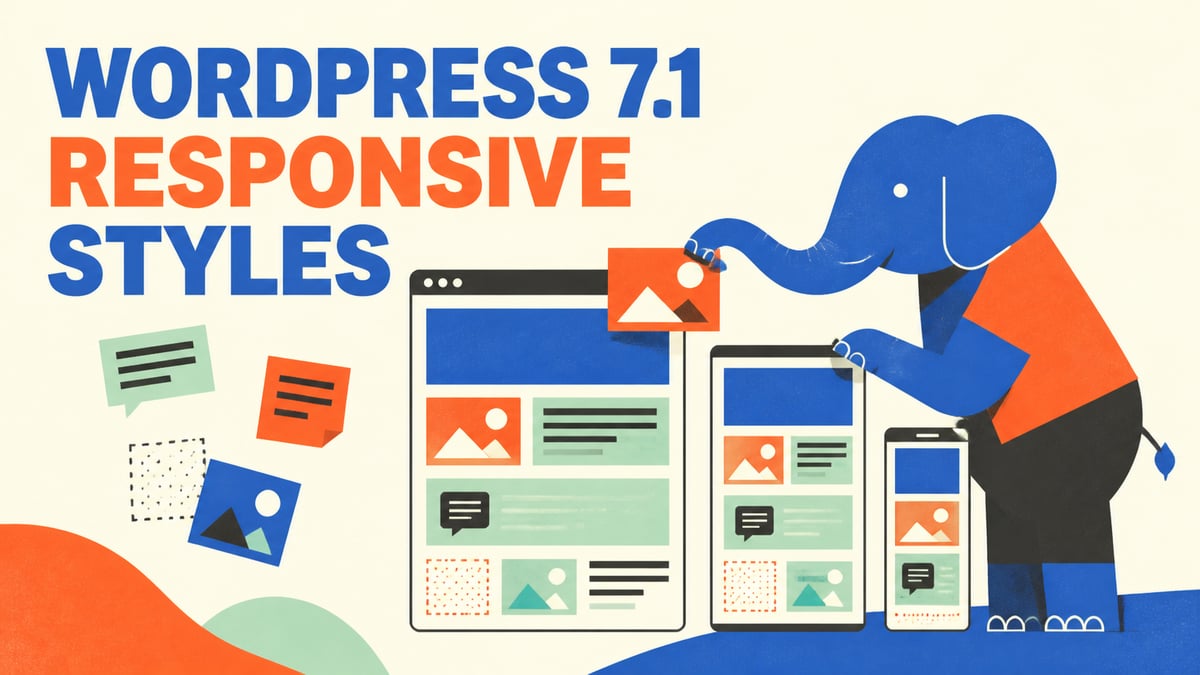
WordPress 7.1 adds controls for changing how blocks look at different screen sizes. Editors can set styles for supported viewports without writing media queries by hand.
Themes can define the available viewports in theme.json. Block styles can then use those settings to change values such as spacing or typography for smaller and larger screens.
The release also adds support for pseudo-states and custom states. Button blocks are the clearest example: you can now give them separate styles for hover, focus, and active, and apply those styles to one button or to every button. Text shadows, background gradients, and minimum-width controls are also part of the expanded design tools.
The responsive styles developer note explains the new theme.json format and how block developers can add support.
Two New Blocks
WordPress 7.1 adds a Playlist block and a Tabs block.
The Playlist block groups several audio tracks into one player, with an optional waveform so listeners can see the shape of each track as it plays. The Tabs block splits content into tabbed panels instead of putting everything on the page at once.
Notes Become More Useful
Notes now support comments on selected text instead of only an entire block. A post can also have more than one Note on the same block.
Writers and editors can use rich text in a Note, mention another user with @, and receive email notifications for mentions. Revisions can be shared with a direct link, which makes it easier to point someone to an earlier version of a post.
These are tools for feedback that doesn't happen in real time. Real-time collaborative editing was tested during the 7.1 cycle, but it wasn't included in the final release.
Media Work Moves Into the Browser
Image compression, resizing, and thumbnail generation now run in the browser, through a WebAssembly build of libvips. This cuts the amount of data sent to the server and gives the editor more control over image handling.
The same work brings native support for AVIF, HEIC, and HDR gain maps, so WordPress now handles the formats modern cameras and phones already produce. There's also an opt-in GIF-to-video conversion that generally produces smaller files.
A new media editor modal replaces the old inline cropping tool. It puts freeform and aspect-ratio cropping, horizontal and vertical flipping, precise rotation, and metadata editing in one place.
WordPress 7.1 also adds REST API support for checking image dimensions, choosing image quality based on size, and registering one uploaded file for several image sizes.
The Media Library grid now uses infinite scrolling by default. Users who prefer pages can restore the earlier behavior in their personal settings.
Developers can read the client-side media processing note for the new browser and REST APIs.
A Toolbar That Stays in Place
The WordPress toolbar now remains visible while moving through supported editor screens. This creates a more consistent path between the site, the dashboard, the Site Editor, and the post editor.
Plugins that add toolbar items should test them during client-side navigation. The persistent toolbar developer note covers the behavior and compatibility details.
New APIs for Plugin Developers
WordPress 7.1 adds an SVG Icon API for registering individual icons and icon collections. Plugins and themes can use wp_register_icon_collection(), wp_register_icon(), and wp_get_icon() instead of building their own icon registry and rendering system.
The SVG Icon API documentation includes the registration functions and code examples.
The Abilities API, first added in WordPress 6.9, also receives several updates. Developers can filter results from wp_get_abilities(), use new hooks around an ability's execution, and expose abilities to clients with one public setting. WordPress also prepares ability schemas for clients that expect standard JSON Schema.
DataViews and DataForm continue to grow as APIs for building data screens. A new View Config API lets developers control which Site Editor views and layouts are available.
A new Design System gives the admin foundational theming support, covering color, roundness, and cursor styles.
The Post Editor Always Uses an Iframe
The largest compatibility change is the move to an iframe-based post editor for every site, including sites with legacy meta boxes.
An iframe separates the content canvas from the rest of the WordPress admin page. This prevents admin styles from changing the appearance of blocks, but plugins can no longer assume the editor content and admin controls share one document.
Plugin developers should check JavaScript that searches the page for editor elements. They should also make sure block styles are loaded inside the editor iframe. Blocks still using Block API version 2 or older should move to version 3.
The iframe editor developer note lists the affected patterns and migration steps.
Other Changes Worth Knowing
Speculative loading defaults can now be set with environment variables or constants, so hosts and site owners can configure how WordPress prefetches pages instead of leaving it to a filter.
WordPress 7.1 updates jQuery UI to version 1.14.2. Plugins that depend on its old markup, behavior, or styles should be tested.
The release also includes accessibility improvements across list tables, setup screens, navigation, widgets, and editor controls. A shared tooltip system gives Core and plugin developers a keyboard-friendly replacement for many uses of the HTML title attribute, through wp_get_tooltip() and wp_get_toggletip().
Several features discussed earlier in the release cycle didn't ship. React 19, real-time collaborative editing, Unicode email addresses, the proposed On This Day dashboard widget, and changes to hide the Classic block were all deferred or reverted.
Upgrade Notes
Site owners should back up their files and database, then test WordPress 7.1 with their active theme and plugins before updating production sites.
Plugin and theme maintainers should pay special attention to:
- JavaScript and CSS that interact with the post editor
- Blocks using Block API version 2 or older
- Custom toolbar items
- jQuery UI components and styles
- Themes that add their own responsive block controls
Once testing is complete, WordPress plugin authors can update the Tested up to value in their plugin's readme.txt file to 7.1.