The WordPress team shipped Release Candidate 1 of WordPress 7.1 on August 5, 2026, which means the feature set is locked and the final release is scheduled for August 19. RC1 carries more than 145 updates and fixes since Beta 4, split between 57 editor improvements and 88 core changes.
If you maintain a plugin, a theme, or a client site running WordPress, this is the window where testing actually pays off. Anything that breaks now can still be fixed before the release, and anything you find in two weeks is a bug report against production.
What's New Since Beta 1
Four features arrived after the first beta:
- Icons API, with APIs for registering icons and icon collections in core
- Speculative loading configuration, so environment variables and constants control the speculative loading defaults
- Email notifications for @mentions, triggered when someone mentions you in a Note
- Shareable revisions, letting you send a link to a specific revision
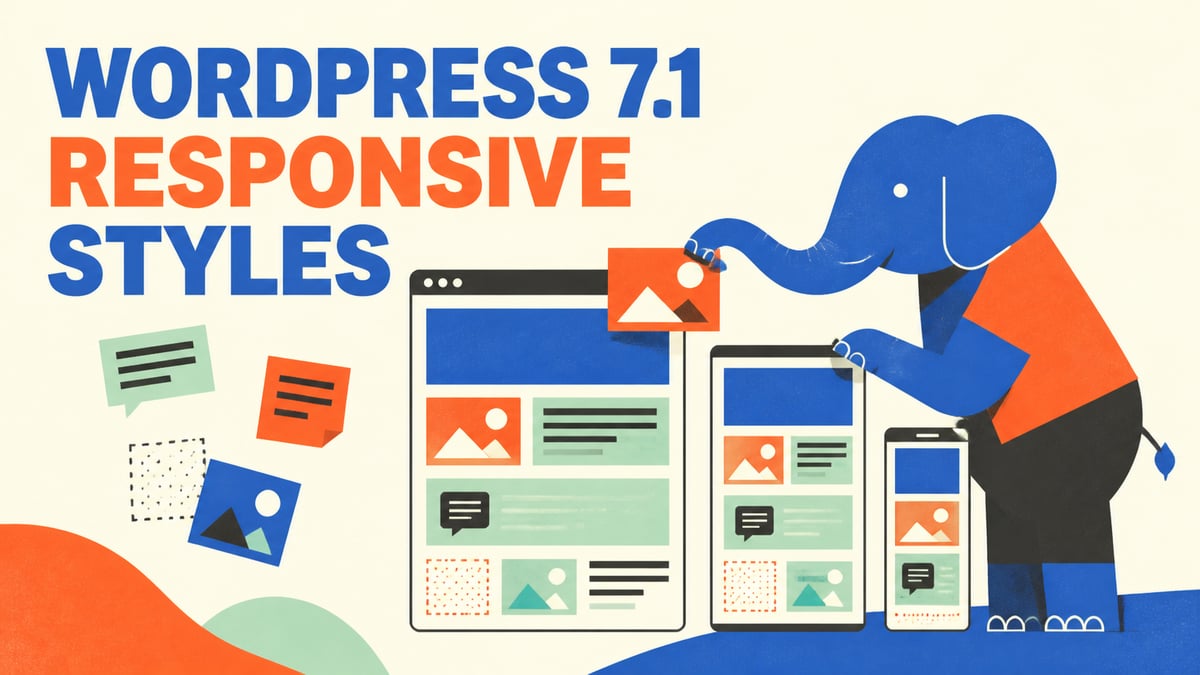
The rest of the cycle picked up an "apply globally" option for modified block styles, responsive editing settings for hiding responsive styles, toolbar buttons for reordering tabs, shift-click range selection in DataViews, preloaded REST API requests when the editor loads, and jQuery UI updated to 1.14.2.
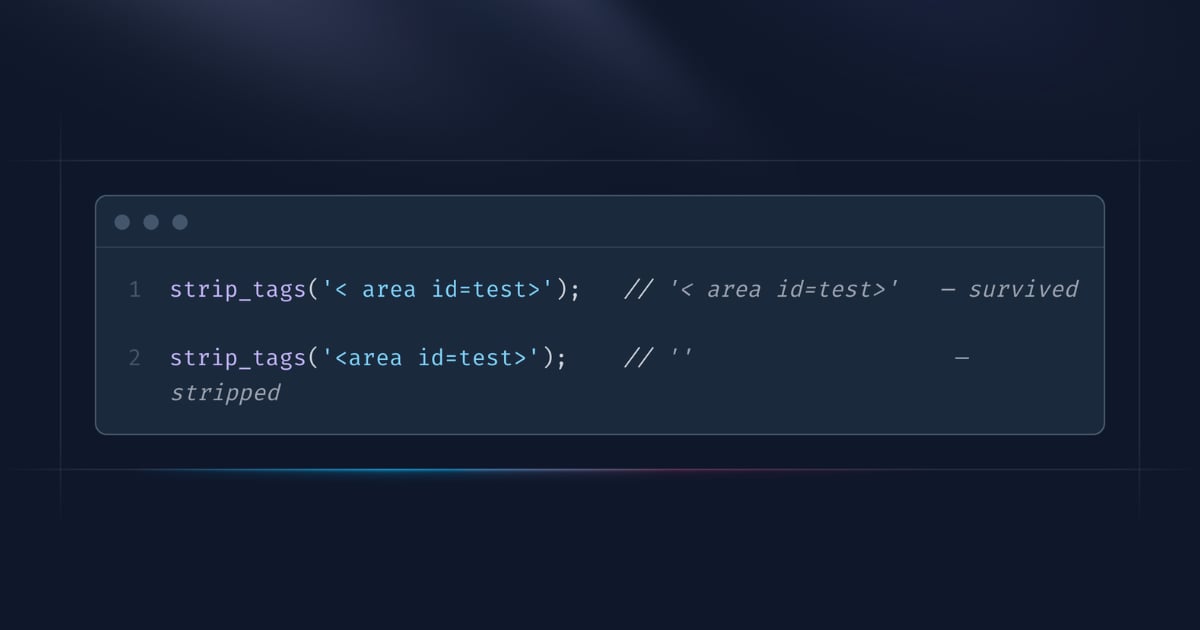
On the PHP side, wp_get_abilities() picks up filtering as part of the Abilities API work, get_file_data() gets a fix for header recognition around PHP tags, and WP_Block_Type_Registry::register() now passes context along to _doing_it_wrong() so the error message tells you which registration went wrong.
For Plugin and Theme Authors
The announcement is direct about what it wants from you:
For plugin and theme authors, your products play an integral role in extending the functionality and value of WordPress for all users.
Once you've run through your test suite, update the "Tested up to" value in your plugin's readme file to 7.1. If something does break, post the details to the alpha/beta support forum.
How to Test It
There are four ways in, and the fastest one doesn't touch your machine at all:
- Install the WordPress Beta Tester plugin, then pick the "Bleeding edge" channel and the "Beta/RC Only" stream
- Download the RC1 zip and install it directly
- Run
wp core update --version=7.1-RC1from the command line - Open WordPress Playground and run it in the browser
The usual warning applies, and the team states it plainly:
This version of the WordPress software is still under development. Please do not install, run, or test this version of WordPress on production or mission-critical websites.
Read More
The WordPress 7.1 Field Guide is the place to start if you want the change-by-change detail, and the closed Trac tickets for 7.1 cover everything that landed since July 29. For the full announcement, see the WordPress 7.1 RC1 post, and happy testing!